Your kid wants to use ChatGPT. Maybe they already have, on your phone, while you were making dinner. Either way you've landed on the practical question: how do you actually set this up so it's safe for a four-, six-, or eight-year-old?
The good news is that "safe" here isn't about buying a product or installing a filter. For kids this young, safety comes from how the account is owned and supervised — plus a few privacy settings most parents never open. The whole thing takes about ten minutes, once.
Here's the setup, step by step.
First: ChatGPT is not built for young children
Worth saying plainly before anything else. OpenAI's terms require users to be at least 13, and 13–18 year-olds are supposed to have a parent's permission. There is no "kids' mode" that makes a standard ChatGPT account appropriate for a six-year-old on its own.
So the only safe way for a 4–8 year old to use ChatGPT is this: it's your account, on a shared device, and you're sitting with them. Everything below is built on that foundation. If you're not comfortable supervising every session yet, that's a completely valid place to start — see whether ChatGPT is safe for kids before you go further.
The 6-step setup
Use your account — never make one in their name
Sign in (or create the account) with your email and birthdate. Your child never gets their own login. This keeps you legally compliant, keeps you in control of settings, and means every conversation happens under your roof, not theirs.
Turn off model training in Data Controls
Open Settings → Data Controls and turn off "Improve the model for everyone" (sometimes labeled chat history & training). This stops your child's conversations from being used to train the AI. While you're there, turn off Memory too — you don't want it quietly remembering details about your kid across sessions.
Add custom instructions that set the audience
In Settings → Personalization → Custom Instructions, tell ChatGPT who it's talking to. Paste something like: "You are talking with a young child around age 6. Answer simply and briefly, in language a kindergartener understands. Never discuss violence, scary content, or adult topics — if asked, gently say that's a question for a grown-up." This shapes every answer without you having to repeat yourself.
Check for built-in parental controls
Look in your account settings for any parental-control or content-restriction options and turn them on if available — these features change often, so it's worth a one-minute look each time you sit down. They're a helpful backstop, but never a substitute for steps 1 and 6.
Put it on a shared device in a common room
ChatGPT lives on the family tablet or laptop that stays in the kitchen or living room — not in a bedroom, not on a device your child uses alone. Voice mode is genuinely useful here for kids who can't type yet, and it keeps the conversation out loud, where you can hear it.
Set one rule before the first session: we check facts
The single most important habit is teaching your child that the AI can sound completely sure and still be wrong. Make it a game: after a cool answer, "let's check that in one more place." This one rule does more for long-term safety than any setting. (Here's what to do when ChatGPT gets it wrong.)
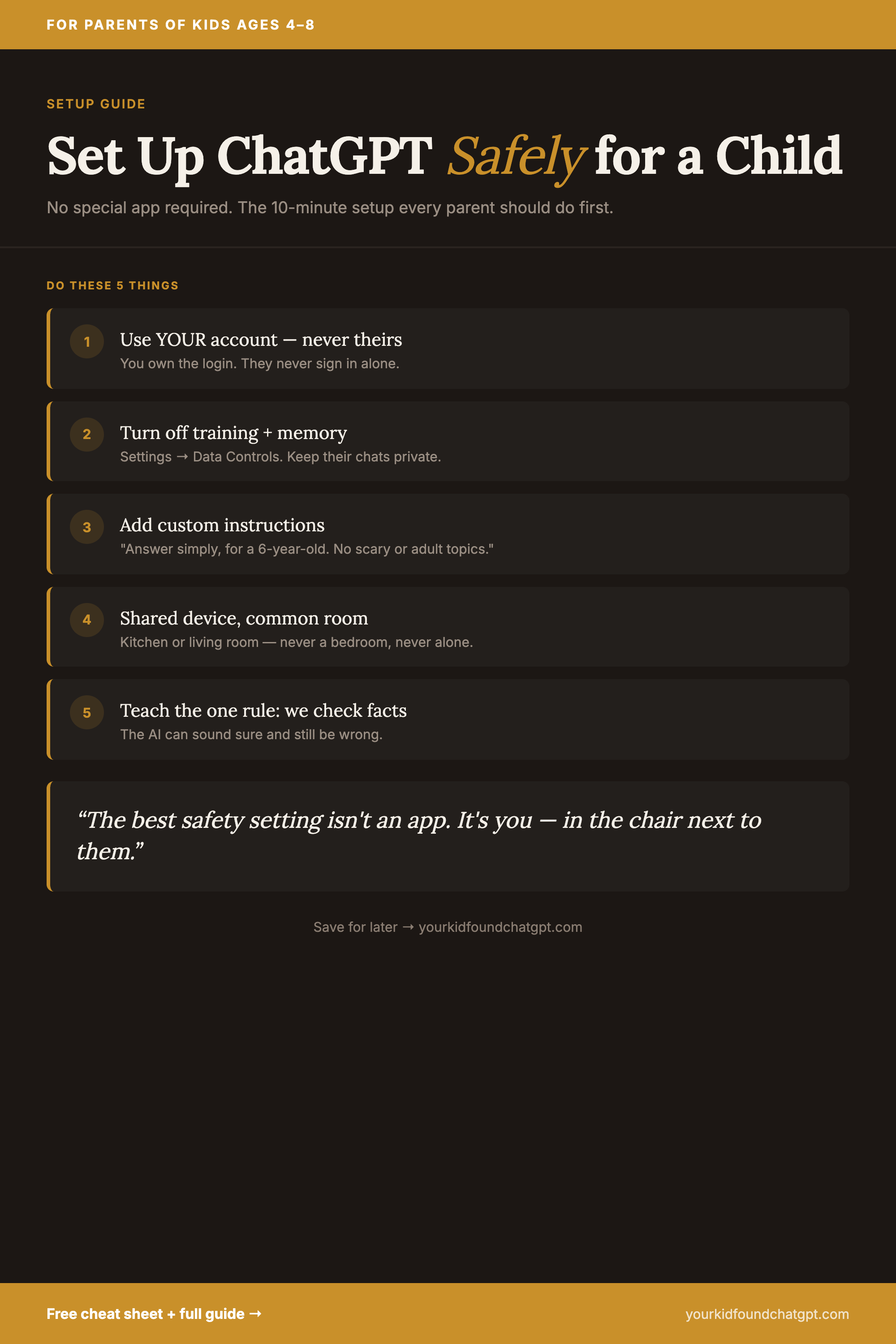
Save the setup checklist
Pin it to your "Parenting & Kids" board so the 6 steps are one tap away the next time your kid asks to use the AI.
More parenting + AI content on Pinterest → Parenting in the Age of AI
Get the 1-Page Cheat Sheet for Your Fridge
The AI house rules, the green/yellow/red homework system, and 5 word-for-word scripts — all on one printable page. Free.
No spam. One email with the cheat sheet PDF. That's it.
Settings to turn on — and things to skip
Parents often over-buy and under-supervise. Here's where your ten minutes are actually well spent.
| Do this | Skip this |
|---|---|
| Own the account; supervise every session | Letting them log in alone "just this once" |
| Turn off training + memory | Leaving defaults on because it's faster |
| Custom instructions setting the age + tone | Expecting the AI to "just know" it's a kid |
| Shared device in a common room | A pricey third-party "kid AI" filter app |
| Teach the check-the-facts rule | Assuming answers are always right |
Notice what's not on the list: a subscription filter, a separate kids' device, hours of configuration. The protection that matters most for a four- to eight-year-old is a present parent and a couple of toggles — not a product.
After setup: make it a conversation, not a kiosk
Once the settings are in place, the work shifts from configuration to conversation. Sit beside your child for the first several sessions. Ask what they're going to ask before they ask it. React out loud when an answer is great — and when it's wrong. You're not just supervising; you're modeling how a thoughtful person uses a powerful, imperfect tool.
If you want a simple set of norms to put around all of this, the 5 AI house rules are built to be discussed and enforced with kids this age — they pair naturally with the setup above.
"Safe AI for a young kid isn't an app you install. It's an account you control, four settings you change once, and a habit you build together."
The short version
To set up ChatGPT safely for a child: keep it on your account, turn off training and memory, add custom instructions for their age, check for parental controls, keep it on a shared device in a common room — and teach the one rule that we always check facts. Ten minutes of setup, and then the part that actually matters: you, in the chair next to them.
Your Kid Found ChatGPT. Now What?
Six conversation habits, word-for-word scripts, the green/yellow/red homework system, and a 7-day family AI onboarding plan. Written for parents of kids 4–8.
Get the guide — $19 →